
 Stolen Vehicle Recovery: 1-855-737-0366 x2
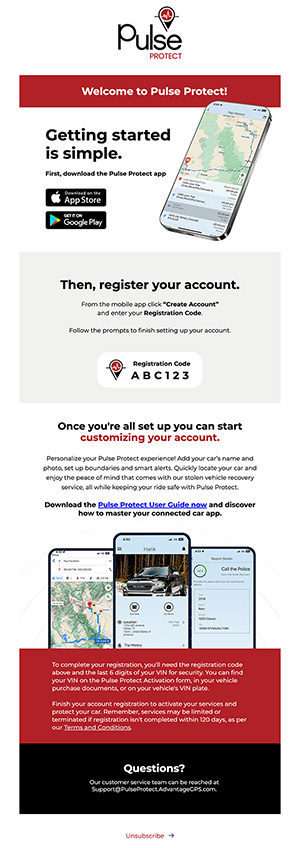
- Find Your Registration Email: Look for the registration email sent to the email address or phone number you provided to your auto dealer. If you can’t find it, check your spam folder. Still no luck? Contact your dealership, and they can resend the invite email directly to you.
- Download the Pulse Protect App: Head to your app store and download the Pulse Protect app.
- Create Your Account: Open the app and select “Create Account.”
- Enter Your Registration Code: Use the registration code found in your Welcome Email.
- Follow the Prompts: Complete the setup by following the easy prompts.
- Customize Your AccountOnce you’re set up, start customizing your account to make it uniquely yours:
- Add Your Car’s Name and Photo: Personalize your profile with your car’s details.
- Set Up Boundaries and Smart Notifications: Configure alerts for speed, fuel, and battery levels to keep everything in check.
Enjoy Peace of Mind
With Pulse Protect, you can quickly locate your car and enjoy the peace of mind that comes with our stolen vehicle recovery service. Keep your ride safe and sound with Pulse Protect. Download the app and get started today!


